REVIEW · KELOWNA
Kelowna: E-Bike Rental with In-App Navigation Guide
Book on GetYourGuide →Operated by Lakeside Eco-Sports Ltd · Bookable on GetYourGuide
E-bike freedom in Kelowna feels simple. This rental pairs Envo e-bikes with an app that gives you preset routes and GPS support, so you can ride at your own pace. I especially like how the adjustable pedal assist and throttle help on hills, and how the routes come with points of interest pinned for quick decision-making; one drawback is you’ll need a charged phone and the app set up ahead of time for offline navigation.
What makes this one work well is the upfront safety and operation orientation. You get shown how to handle the bike and controls so you’re not guessing, even if you’re new to e-biking. The consideration: you have height limits and it’s not listed as suitable for kids under 16 or for people with mobility impairments.
Then there’s the best kind of convenience: once you choose your time window (2, 4, or 8 hours), you’re not stuck waiting around with a group schedule. You can mix in whatever you want along the way, and at the end you can generate a souvenir video from your ride—nice touch for remembering the day without extra planning.
In This Review
- Key highlights you’ll actually use
- Envo e-bikes plus an app route guide: the real point of this rental
- The included gear: what helps you stay comfortable and confident
- Safety orientation: why it’s worth showing up a few minutes early
- Choosing 2, 4, or 8 hours without wasting your day
- Navigation that works even when your phone gets tired
- The ride experience: hills, trails, and the Kelowna-bike-rules reality
- How the best day pacing usually works (and how to avoid mistakes)
- Price and value: is $34 per person a good deal?
- Souvenir video: a small tech perk with real payoff
- Who should book this e-bike rental in Kelowna?
- Should you book? My straight answer
- FAQ
- How long is the e-bike rental?
- Do I need to download an app to use the routes?
- What gear is included with the rental?
- Is there any support for navigation while I ride?
- What should I bring and wear?
- What is not allowed during the ride?
- Is this suitable for children?
Key highlights you’ll actually use
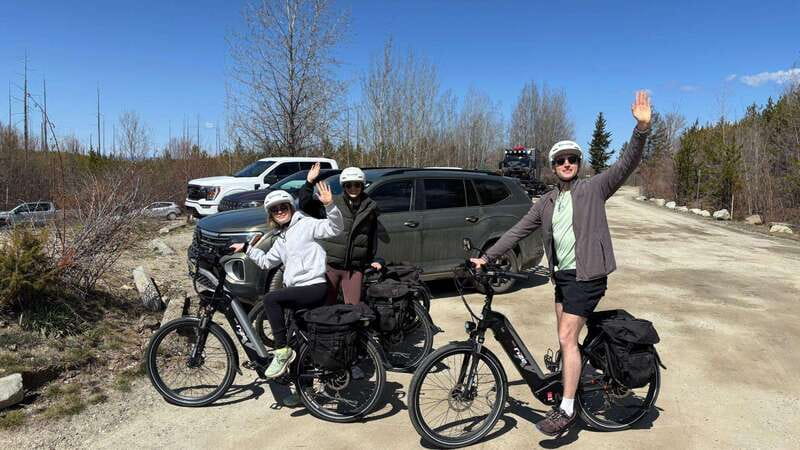
- Envo e-bikes with pedal assist and throttle so hills feel manageable
- App-based route navigation with GPS support and pinned points of interest
- Safety orientation included before you roll out
- Offline-friendly app after download, so you’re less dependent on signal
- All the essentials included: helmet, lock, phone mount, first aid kit, pump, bike bag
- Souvenir video at the end with just a few clicks
Envo e-bikes plus an app route guide: the real point of this rental
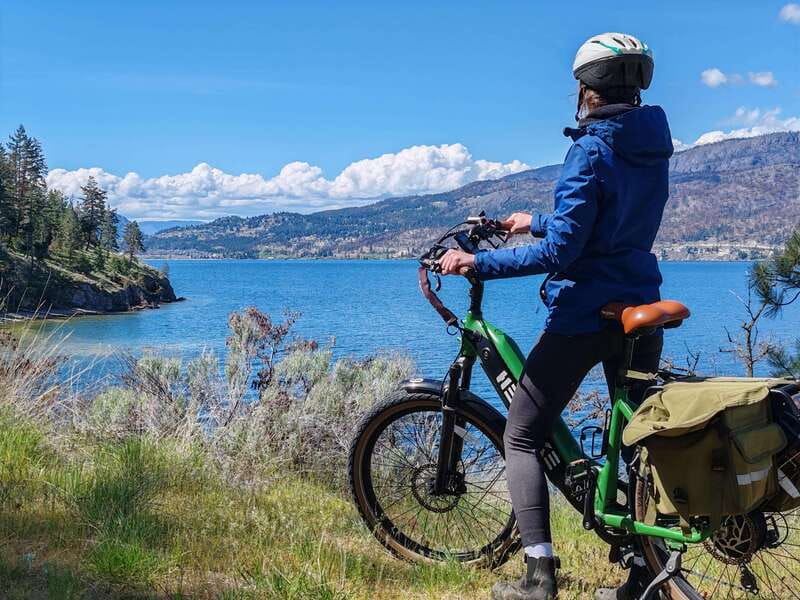
This isn’t just bike rental. It’s built around the idea that you want to see Kelowna without feeling lost. The e-bikes (Envo) come with assistance that smooths out the effort, while the app handles the tricky part: telling you where to turn and helping you recover if you head the wrong way.
If you’re the type who likes planning, you can pick from preset trails/route options. If you’re more of a wanderer, the setup still gives you structure—so you’re free, but not directionless. For a first-time e-bike user, this combination is especially useful because you don’t have to juggle route decisions and bike control at the same time.
And yes, it’s simple enough for casual days. You’re not signing up for a test of endurance here. You’re buying yourself options: longer or shorter rides, easier hills, and a navigation system that keeps you moving.
You can also read our reviews of more tours and experiences in Kelowna.
The included gear: what helps you stay comfortable and confident
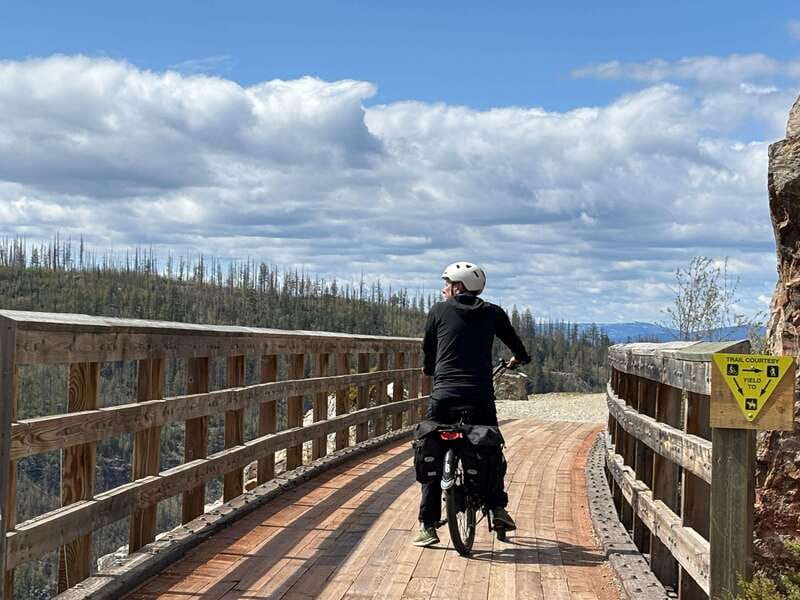
Before you roll, you get the kind of “small stuff that saves the day” kit that makes e-biking less stressful. Here’s what’s included:
- Helmet
- Bike bag
- Lock
- Phone mount
- First aid kit
- Pump
- GPS tracking
A big deal is the phone setup. The phone mount means your screen is where it should be, not wedged in a pocket while you ride. GPS tracking adds another layer of support, especially if you’re trying to explore freely.
From the ride experience, you’ll also want to know about the navigation battery reality. One review noted that there’s a charger on the bike, which is exactly what you need if your phone drains faster than you expect during guided rides.
Comfort matters too. The bike bag gives you a way to keep essentials together—sunscreen, a light layer, and snacks—without turning your hands into storage.
Safety orientation: why it’s worth showing up a few minutes early
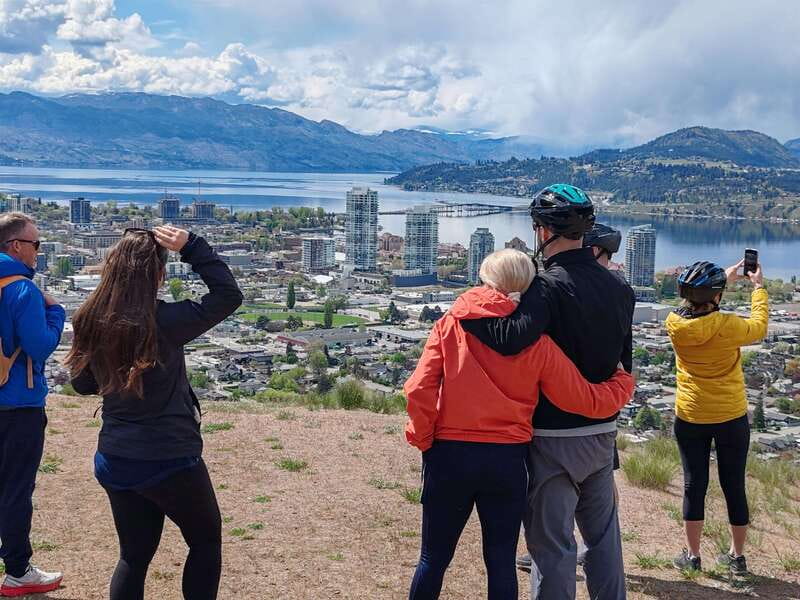
E-bike controls can feel intuitive, but that doesn’t mean you should skip the orientation. This rental includes a full safety and operation walkthrough, and that’s a real advantage if you’re new or if you usually ride normal bikes.
You’ll learn how the assist works, what “adjustable pedal assist” means in practice, and how the throttle option can help on climbs. That throttle option is important because hills can still feel like hills even on assisted bikes—so knowing when to use throttle vs. pedal assist helps you ride smoother.
You’re also told what’s required for safe riding: proper footwear (closed-toe), no loose clothing, and no sandals/flip-flops. Those rules aren’t just legal busywork. Loose clothing can catch or tangle. Open-toe shoes aren’t safe around pedals and roads.
I like that this activity doesn’t assume you already know. It sets you up to enjoy the ride instead of spending your first 10 minutes worrying about basic control.
Choosing 2, 4, or 8 hours without wasting your day
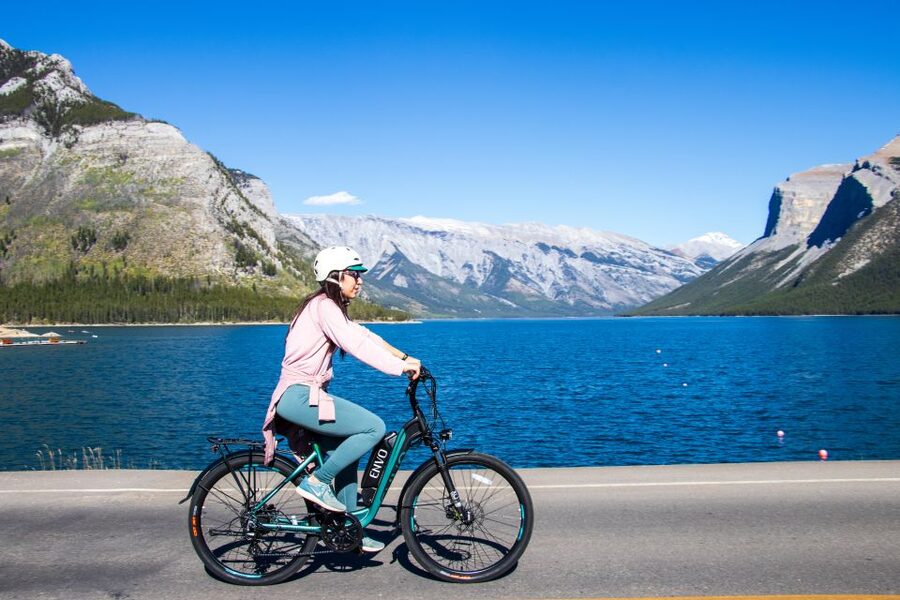
The rental is flexible: you can book 2, 4, or 8 hours, which makes it easy to match your energy and your schedule. This is one of those choices that determines everything about your experience.
- 2 hours: best if you want a taste and don’t want to plan too hard. Pick a route that stays relatively close and focus on enjoying the ride, not building an epic itinerary.
- 4 hours: the sweet spot for most people. Long enough to explore a couple different areas or to include stops for views, photos, and a snack. Short enough that you’ll still feel fresh.
- 8 hours: for people who want a real day out. You’ll want this if you’re the kind of rider who likes stopping often and letting the route guide you in a relaxed way.
A practical point from how the rides are set up: not every route option will feel equally close to the starting point. One person noted they expected to do an old train trail ride but found it farther than anticipated. That’s a normal trade-off: bigger-name routes can require longer coverage, even on an e-bike. If you’re choosing a shorter time window, check that your target trail fits your hours.
Navigation that works even when your phone gets tired
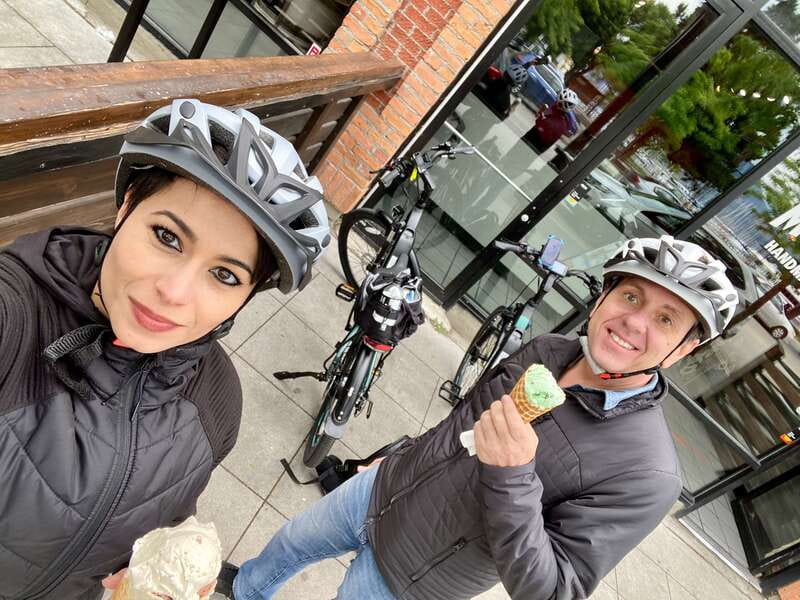
The app is your co-pilot. It offers preset trails, lets you choose your own routes, and shows points of interest pinned so you don’t have to guess what’s worth stopping for.
What I like most is how forgiving the navigation can be. If you go the wrong way, the app can guide you back onto the route. That reduces the stress of making one bad turn and losing half your ride.
Another helpful detail: the app works offline after you download it. That matters in a place where cell signal can be inconsistent. So your job before you ride is simple:
- download the app content for the trails you’ll use
- start the ride with a charged smartphone
In other words, bring a power-hungry phone only if you’re willing to plan for it. This rental gives you support with a bike charger noted in reviews, but the safest move is still to roll out with battery life.
The ride experience: hills, trails, and the Kelowna-bike-rules reality
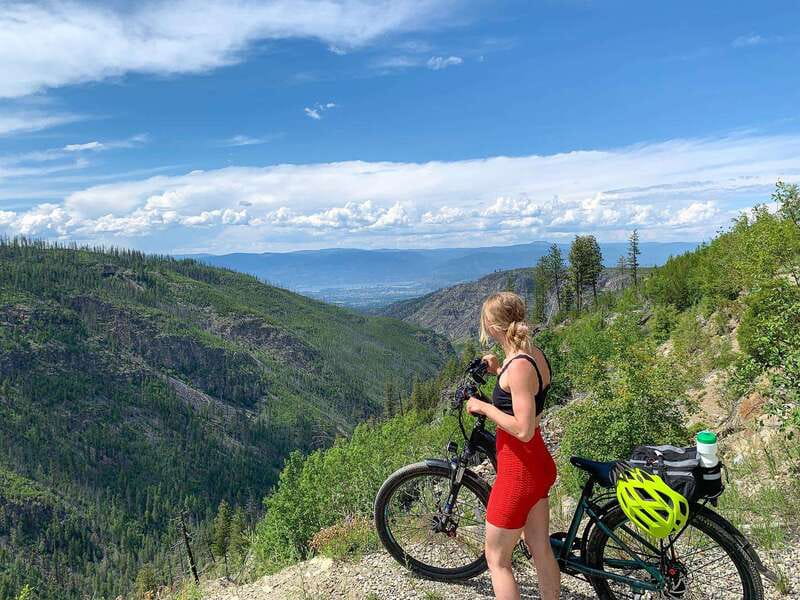
Kelowna is a strong choice for bike days because it’s set up for cycling-friendly routes, and e-bikes make more of the city accessible without grinding your legs into dust. The “adjustable pedal assist” is the core. You choose your assist level and the bike adds power as you pedal.
Then you have the throttle option for extra help on hills. That gives you an escape hatch when you hit a climb that would normally force you to slow down or stop. With the assist and throttle combination, you can keep a more consistent pace, and that’s what makes longer rides feel more like sightseeing than exercise.
What routes feel like depends on what you select in the app. You might pick:
- a shorter trail loop that’s easy to manage
- a longer route that includes more riding time
- options that lead toward well-known trail ideas (like the old train trail someone expected to reach)
The key thing: plan around time. An e-bike reduces effort, but it doesn’t magically compress distance. So if there’s a specific trail you’re dreaming about, sanity-check that your chosen duration gives you enough time to reach it and still enjoy the ride back.
Also, pay attention to the practical riding rules you’re required to follow:
- no sandals/flip-flops
- closed-toe shoes only
- no open-toed shoes
- avoid loose clothing
These are the kind of rules that make your ride smoother and reduce the chance of something annoying happening mid-ride.
How the best day pacing usually works (and how to avoid mistakes)
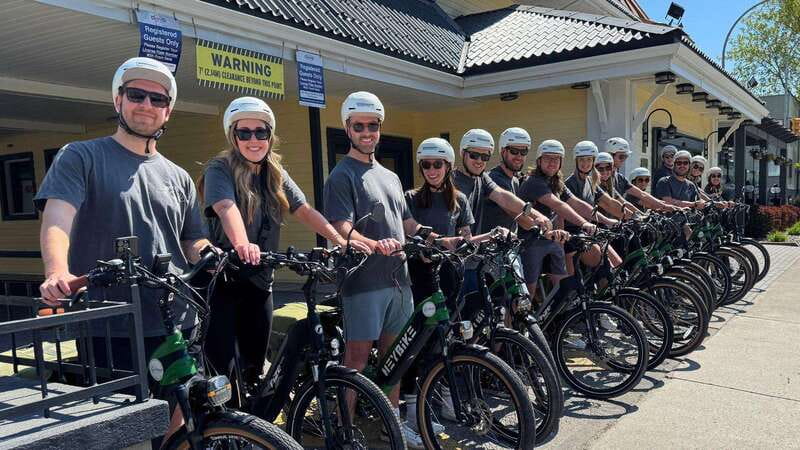
You don’t need a rigid schedule to enjoy this. You do need smart pacing. Here’s how I’d approach it so you get the most out of the route app and the bike’s assist.
First, settle into a rhythm early. If you start with too much throttle all the time, you’ll burn battery faster and might feel less steady. If you start too conservative, you’ll get tired sooner than you want. Use pedal assist as your baseline and treat throttle as a tool for hills.
Second, plan your stops around “navigation moments.” The app gives points of interest pinned. That means your best photo or snack breaks often happen where you naturally expect to turn or pause. It helps you avoid awkward side-stops that interrupt the flow.
Third, keep an eye on phone power. Even with a charger on the bike (as noted in reviews), you still need your phone to stay functional for turns and offline route guidance. If you’re using maps or taking lots of photos, consider lowering screen brightness and keeping the app running as your guide.
Finally, pack light. The bike bag is there for a reason. Keep your gear minimal so you can ride comfortably without your stuff bouncing around.
Price and value: is $34 per person a good deal?

At $34 per person, this rental can be excellent value because it bundles the key costs that often add up in bike rentals: safety briefing, the e-bike itself, navigation tech (app + GPS support), and a full equipment set (helmet, lock, mount, pump, first aid kit, bike bag).
This is not “just rent a bike and good luck.” You’re paying for:
- a guided route framework so you don’t waste your time figuring things out
- assist tech that lets you enjoy more scenery for the same effort
- gear that keeps you safe and mobile
- a rider-ready setup that’s helpful if you’re new
Where the value shines is if you’ll actually ride for the full block of time you book. If you book 2 hours and then only use 90 minutes, the cost per enjoyable minute jumps. If you book 4 or 8 hours and take your time (with the app handling turns), the cost becomes easier to justify.
So the best “value match” is someone who wants a flexible day outside with minimal stress.
Souvenir video: a small tech perk with real payoff

One detail that’s easy to overlook until you try it: at the end of your trip, a few clicks generate a souvenir video of your day. That’s not essential for the ride, but it’s a smart touch.
You don’t have to scramble for perfect photo sets. You can enjoy the day, and then let the ride data do the work of giving you something shareable and memorable afterward.
If you like keeping little travel receipts for later, this is one of those extras that actually gets used.
Who should book this e-bike rental in Kelowna?
This is a strong fit if you want:
- a self-guided day with structure
- e-bike help for hills and longer distances
- navigation support that can correct mistakes fast
- an easy setup even if you’re new to e-bikes
It’s not the right choice if you’re outside the posted limits (it lists not suitable for children under 16, people under 4 ft 9 in / 150 cm, and people over 6 ft 6 in / 200 cm). It’s also not listed as suitable for pregnant women or people with mobility impairments.
If you’re planning a solo ride, couple time, or a small group day where everyone wants some freedom, this type of guided-by-app experience is often better than a strict tour schedule.
Should you book? My straight answer
If you want to explore Kelowna by bike without the stress of route planning, this rental is worth booking. The combination of e-bike assistance, a route app with offline capability, and a safety orientation gives you a day that feels like freedom—with training wheels for navigation.
Book it if:
- you’re excited about easy hills with pedal assist and throttle
- you have a charged smartphone and can download the app routes ahead of time
- you’d like included gear so you don’t pack like you’re moving
Skip it (or at least rethink the time) if:
- you’re aiming for a specific far-off trail but you’re booking a short duration
- you don’t want to handle any smartphone setup at all
- you don’t meet the listed age/height requirements
FAQ
How long is the e-bike rental?
You can choose a duration of 2, 4, or 8 hours, based on availability for starting times.
Do I need to download an app to use the routes?
Yes. The app download is required for using the preset trails. Once downloaded, it can be used offline.
What gear is included with the rental?
Included items are the e-bike, helmet, bike bag, lock, phone mount, first aid kit, pump, and GPS tracking.
Is there any support for navigation while I ride?
Yes. You get GPS support, and the app provides navigation with preset trails and points of interest pinned.
What should I bring and wear?
Bring sunscreen and weather-appropriate clothing, and keep your smartphone charged. Wear closed-toe shoes.
What is not allowed during the ride?
Sandals or flip-flops and open-toed shoes aren’t allowed. Loose clothing isn’t recommended.
Is this suitable for children?
It is listed as not suitable for children under 16.